Mesh-peek
Quick previews for 3D files on macOS
A standalone Mac app that gives STL, 3MF and OBJ files the Finder space-bar preview macOS only really gives STL, with no analytics and no subscription.
- Type
- Native macOS utility
- Role
- Concept, design & development
- Status
- Available on the App Store
- Principle
- Private, focused, no subscription
I do a lot of making. I like to use 3D printing and other tools to create solutions to everyday problems, and I am a huge fan of the open-source nature of the 3D printing community. I have started creating more models to give back in this spirit, but Mesh-peek is a small app I believe might help you, if you use a Mac. It is out now on the App Store, and free to download until 1 October.
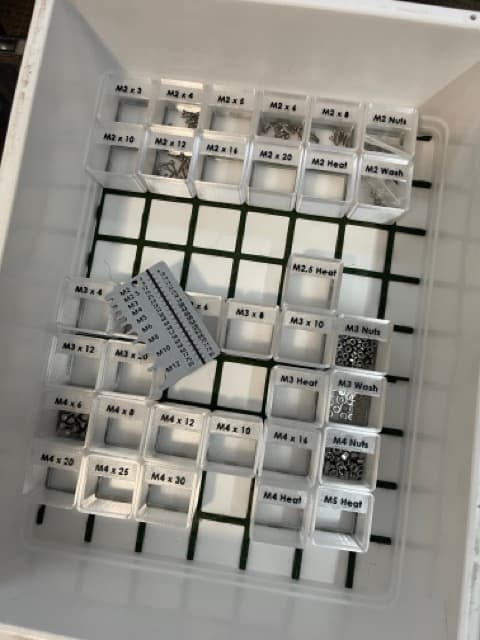
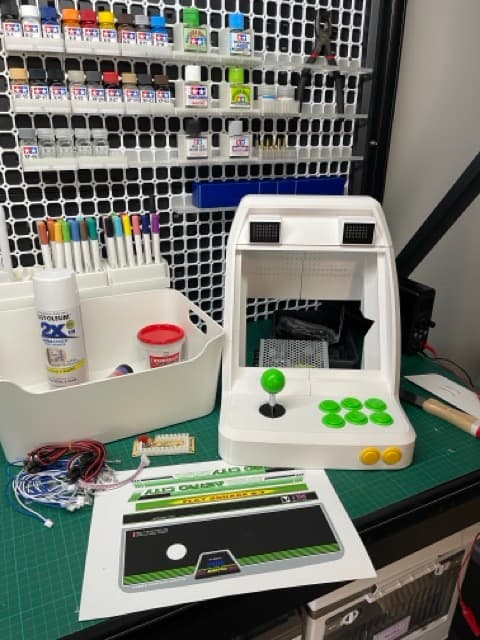
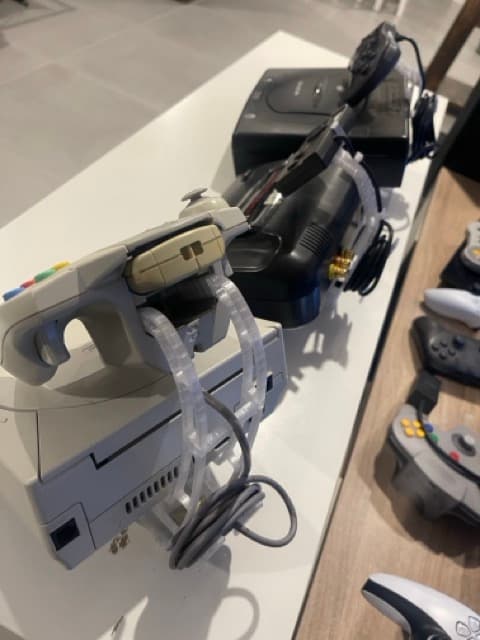
One thing that annoys me a lot is that after I have downloaded many different models I try my best to keep them organised by folders and good naming, but even so I many times end up with a folder full of many models in different formats (STL, 3MF, SCAD, OBJ). macOS has a good way of previewing STL files, but not for other 3D files.
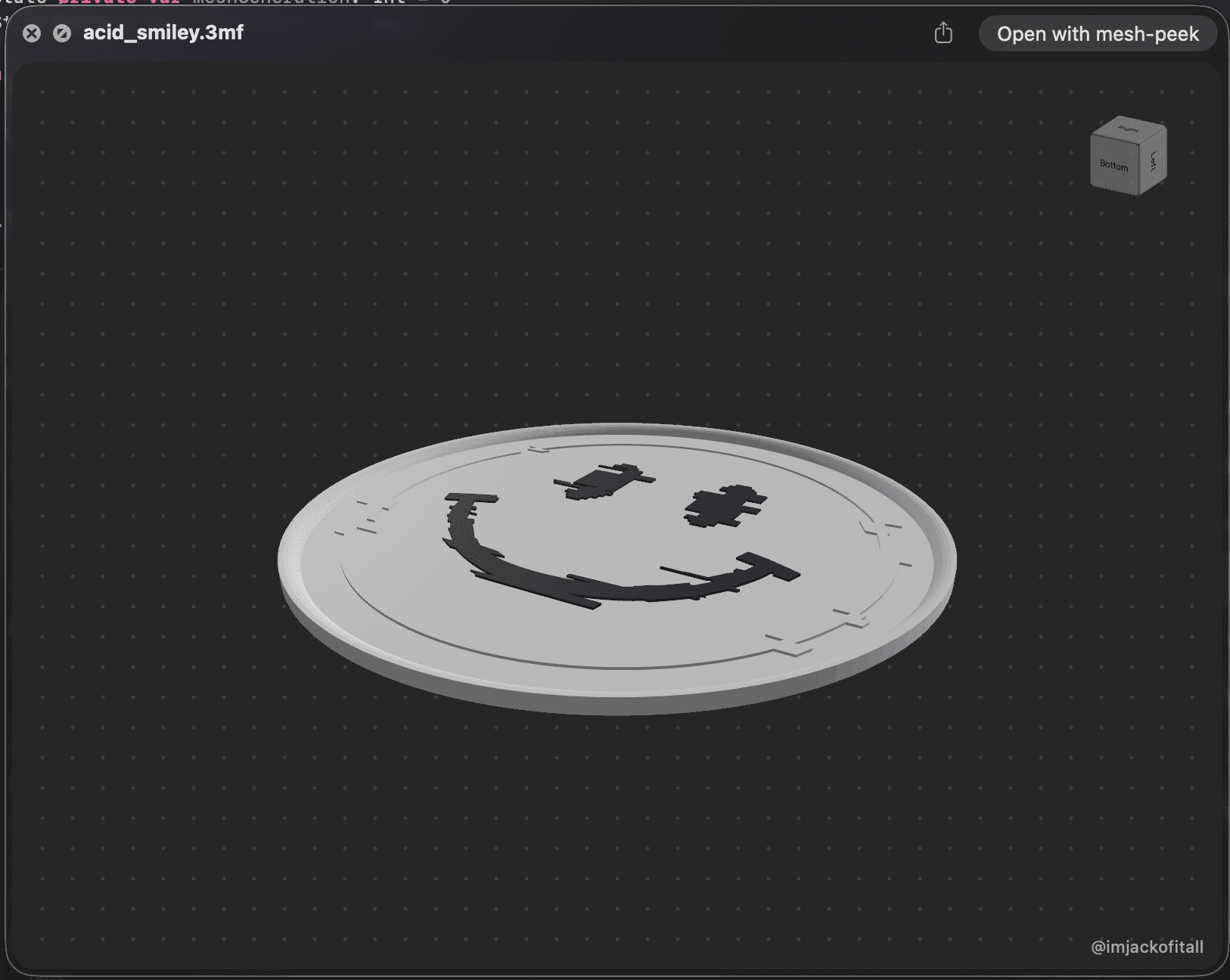
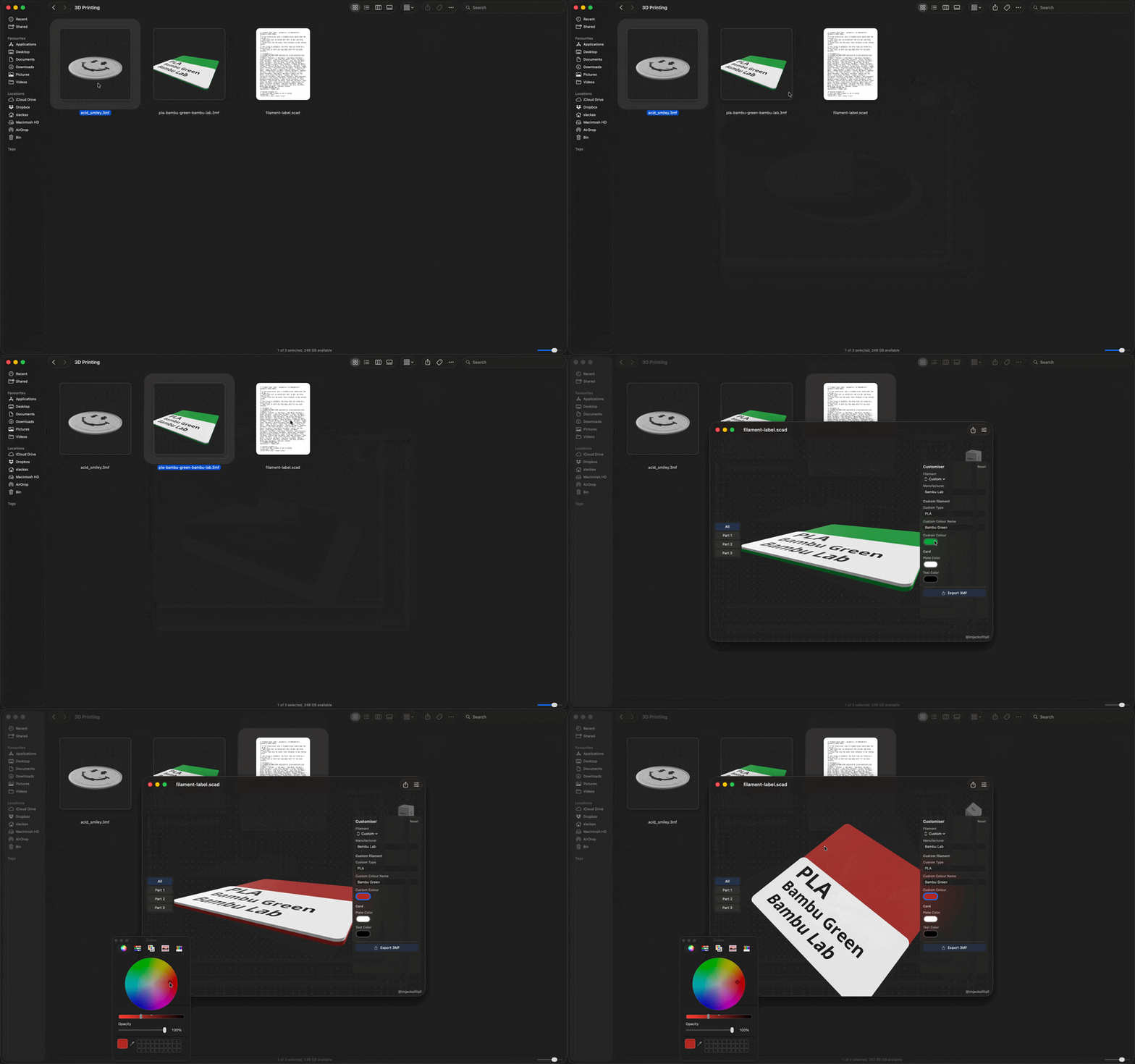
Mesh-peek is a standalone app, without any distractions. You can open these types of files, with colours if they are present, and can even work with SCAD files to generate 3MF files (this is new and experimental). The real benefit, though, is the quick previewing of 3D files.
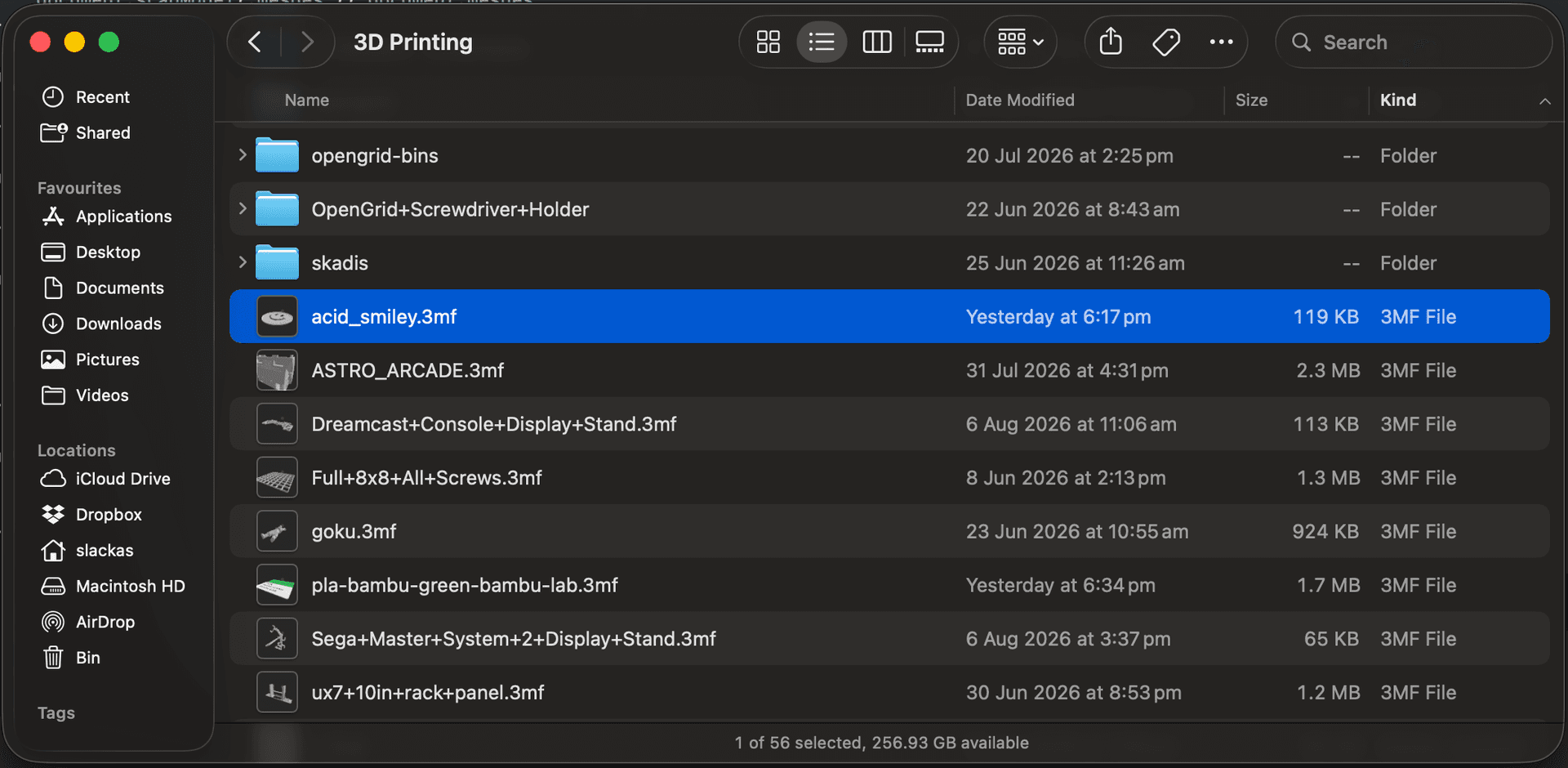
For STL, 3MF and OBJ, select the file in Finder and press space, and you get a really quick view of each of the files. SCAD files open in the app, but don't preview from Finder. It can be great for organisation, or maybe you have been working on iterations of a model and trying to work out if model_final_final_final.3mf or model_v3.3mf is the one you actually need to print.
It is available now on the App Store, it requires macOS 14.6 or later, and it is free until 1 October. Download it in that window and it is yours to keep. Nothing expires and there is nothing to cancel. After that it goes to $4.99 AUD, as I had to put a bit of work in to get to where we are now. I believe you are like me and hate subscriptions for tools which won't change, or which only change to add features and reminders for things you will never need or want.
There aren't, and won't ever be, any distractions in this app. It comes from my design philosophy and what I want to see in the products I own. Because of the sensitive nature and protection of artists' work, it also has no analytics or phone home mechanisms. You won't have to answer "Allow Mesh-peek to track your activity" because I haven't and won't implement that for this app.
Free until 1 October
Mesh-peek for Mac
Quick previews for STL, 3MF and OBJ without leaving Finder. Requires macOS 14.6 or later. $4.99 AUD from 1 October, and no subscription either way.

Screenshots